✨ Full Feature List
From instant guest access to a live shared gallery — JoinMyMoment packs everything into one browser-based experience. No app. No friction. No compromise.
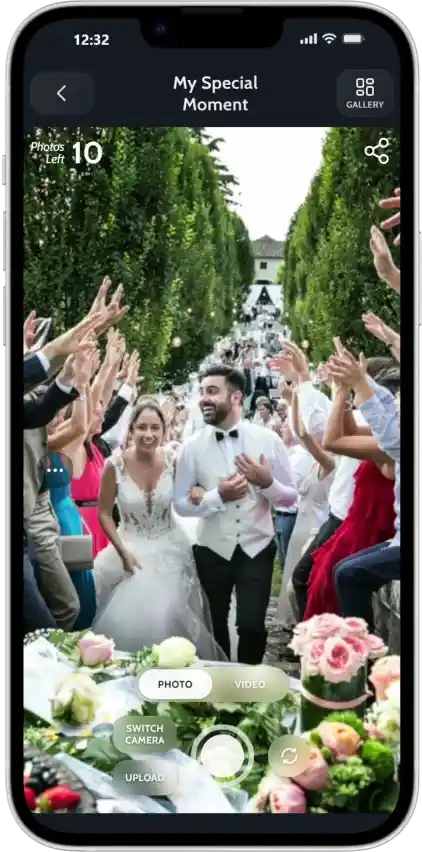
Forget the app store. JoinMyMoment lives entirely in the browser — guests simply tap a link or scan a QR code and they’re instantly ready to capture photos. Works on every iPhone, Android, and tablet right out of the box, zero installs required.
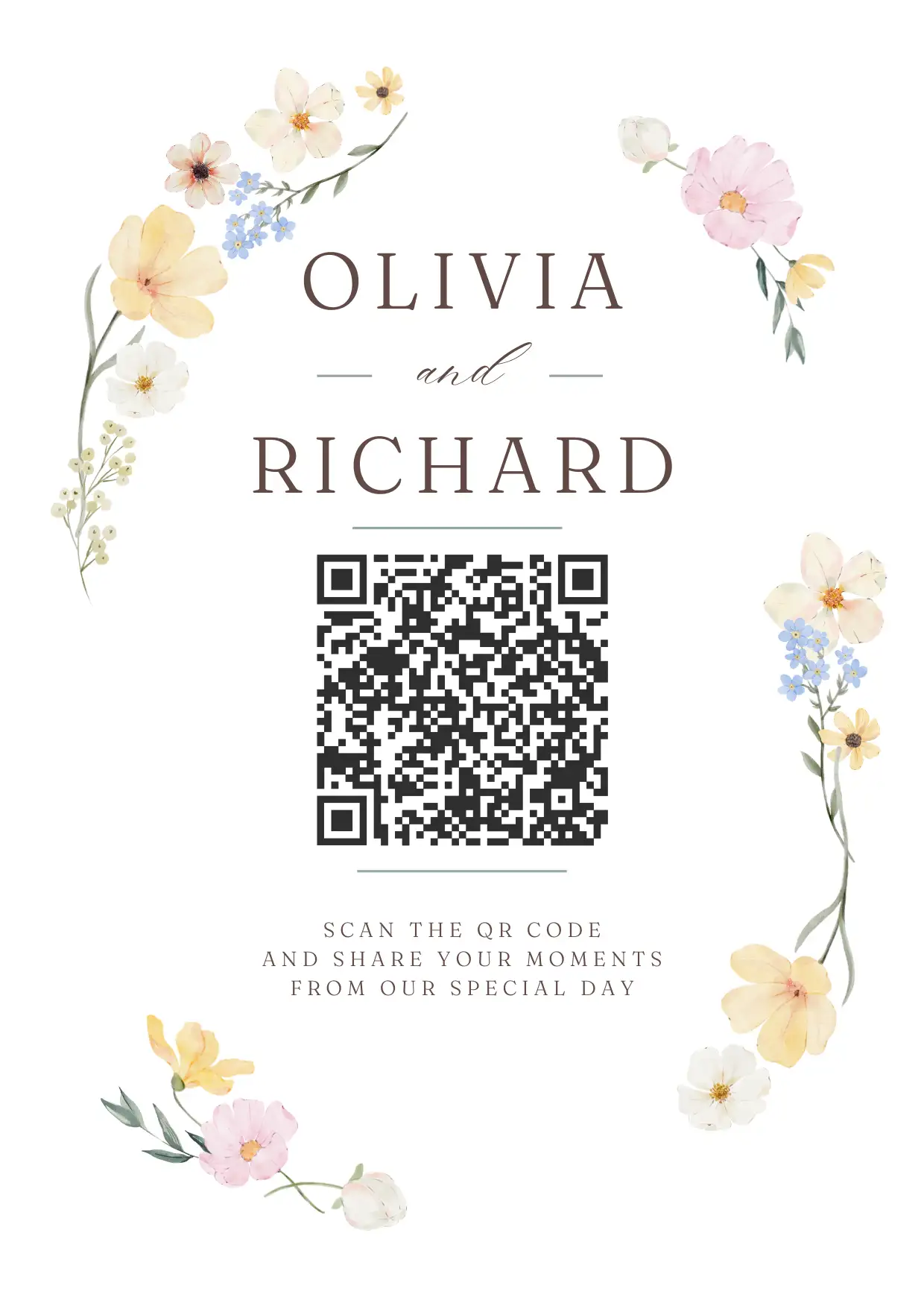
By default, guests pick a username when they join — no account, no password, just a name. But if you want zero friction, enable Instant Guest Access from your Moment’s edit menu and guests go straight to the camera the moment they scan the QR code. One tap. Done.
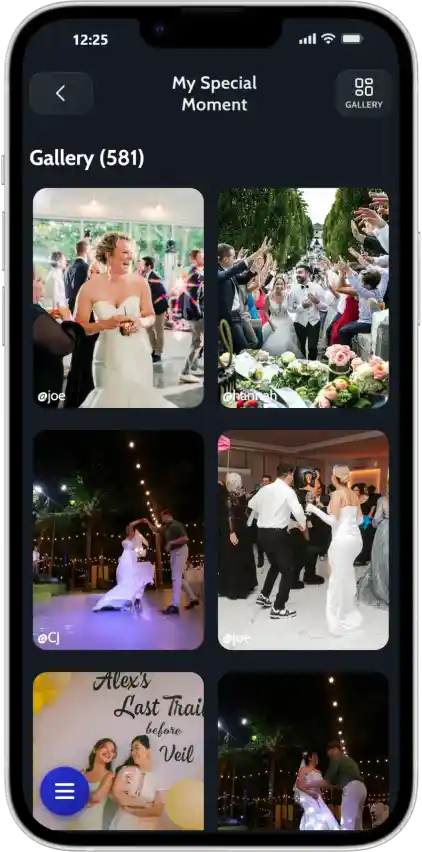
Every photo a guest takes appears instantly in a shared live gallery — like a group album that fills itself as the event unfolds. And for 60 days after your Moment ends, every photo is still there waiting to be downloaded and treasured forever.
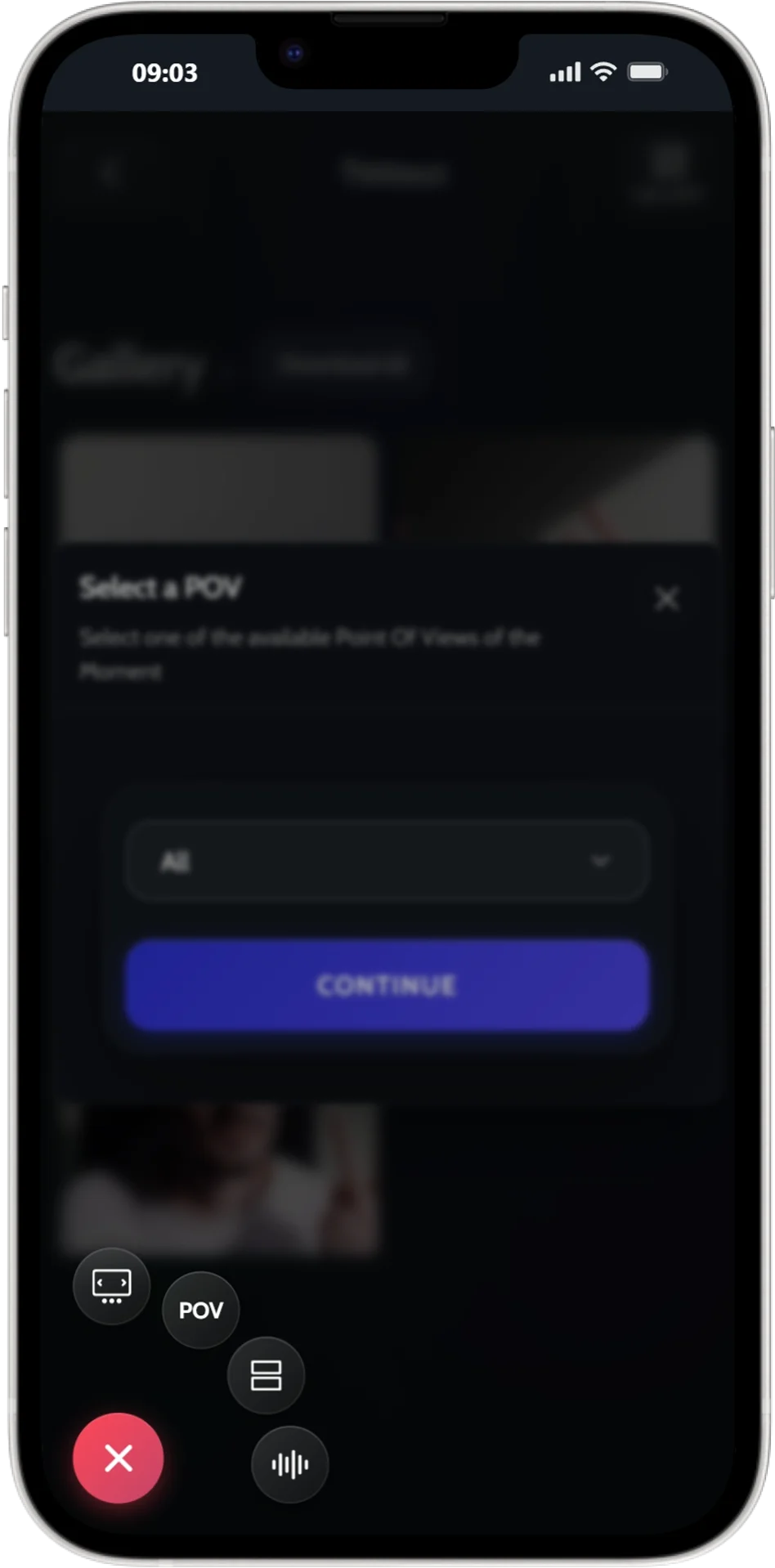
Inside the gallery, filter photos by each guest’s point of view. Relive the night through your best friend’s eyes, find your own photos instantly, or discover candid shots you never even knew existed.
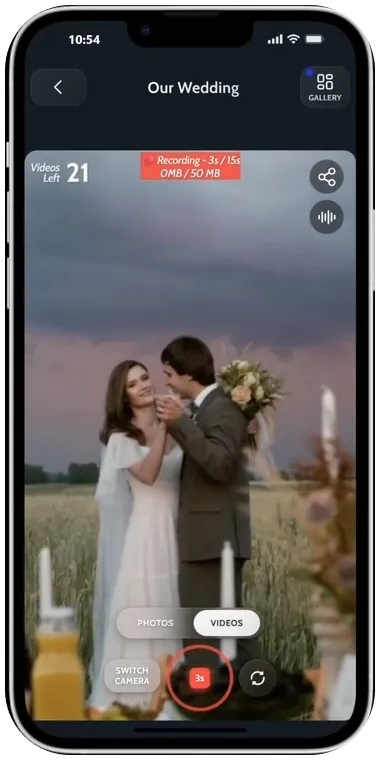
Enable videos and your guests can record 15-second clips right from their phone browser — no app, no file transfers. Capture the first dance, the big speech, the unexpected laughs — all in one shared place alongside the photos.
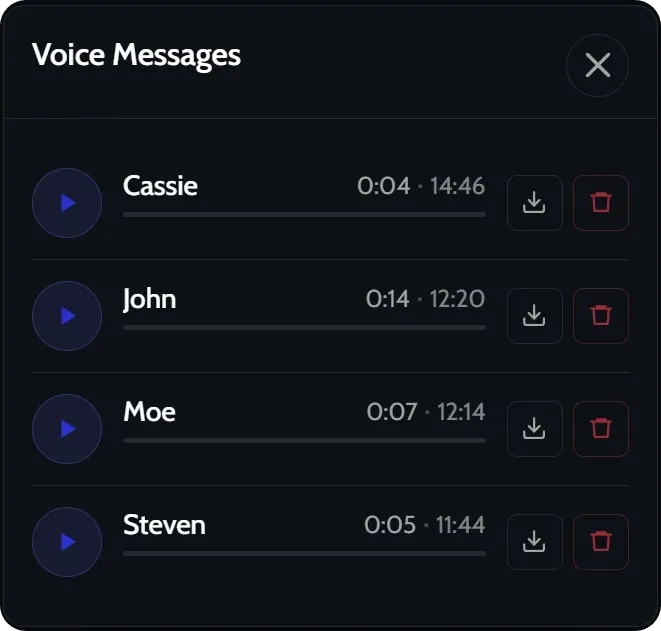
With Voice Messages, guests record a short audio note — a heartfelt wish, a hilarious inside joke, a shoutout to the happy couple. You hear every recording as the host, and transcripts make it easy to revisit them all.
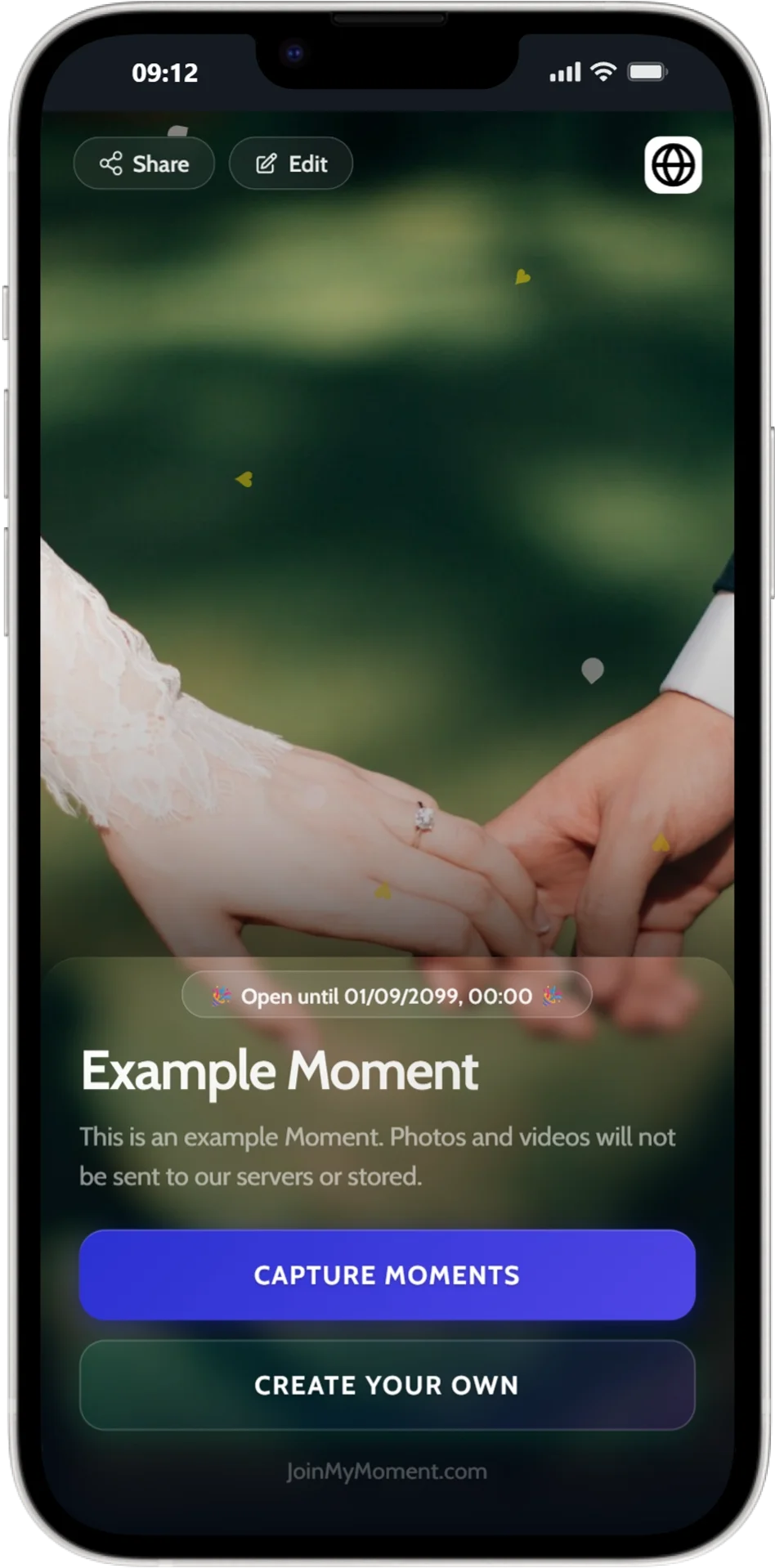
Set a name, write a description, pick a theme, and upload a custom cover image. Your Moment instantly reflects your event’s personality — and you can edit every single detail even after it goes live, with zero downtime.
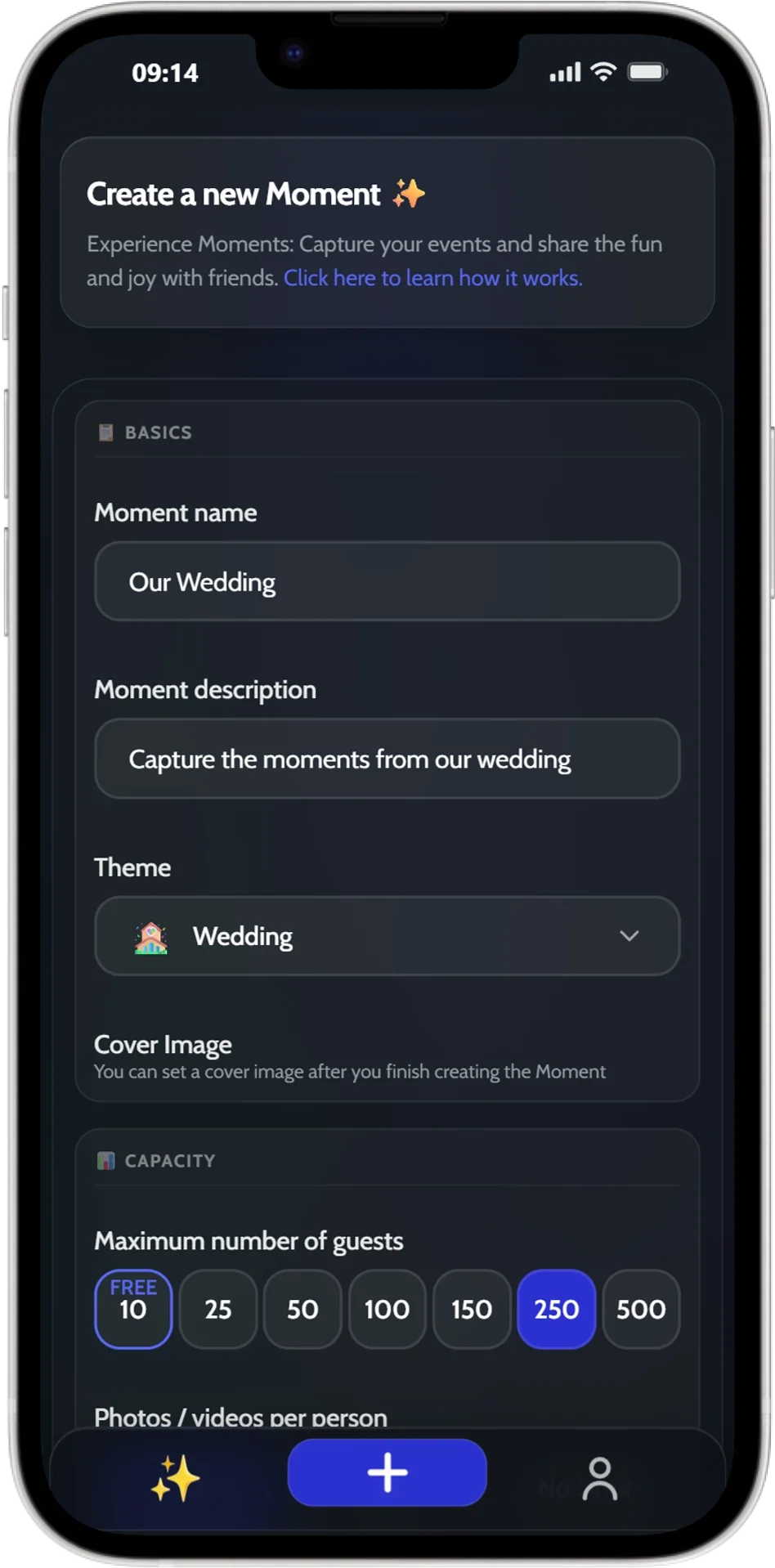
Choose how many guests can join, set an individual photo and video quota per person — or go completely unlimited. Add a scheduled start and end time, and your Moment opens and closes precisely when you need it to.
Set a default language for your Moment, and every guest can switch to their own preferred language at any time. Whether your event is in Tokyo, Berlin, or São Paulo, no guest is ever left confused.

Turn your phone into a shared photo booth where only you take photos and videos. Guests scan the QR code to view the live gallery in real time — ideal for weddings, corporate events, and anywhere you want professional-quality control.
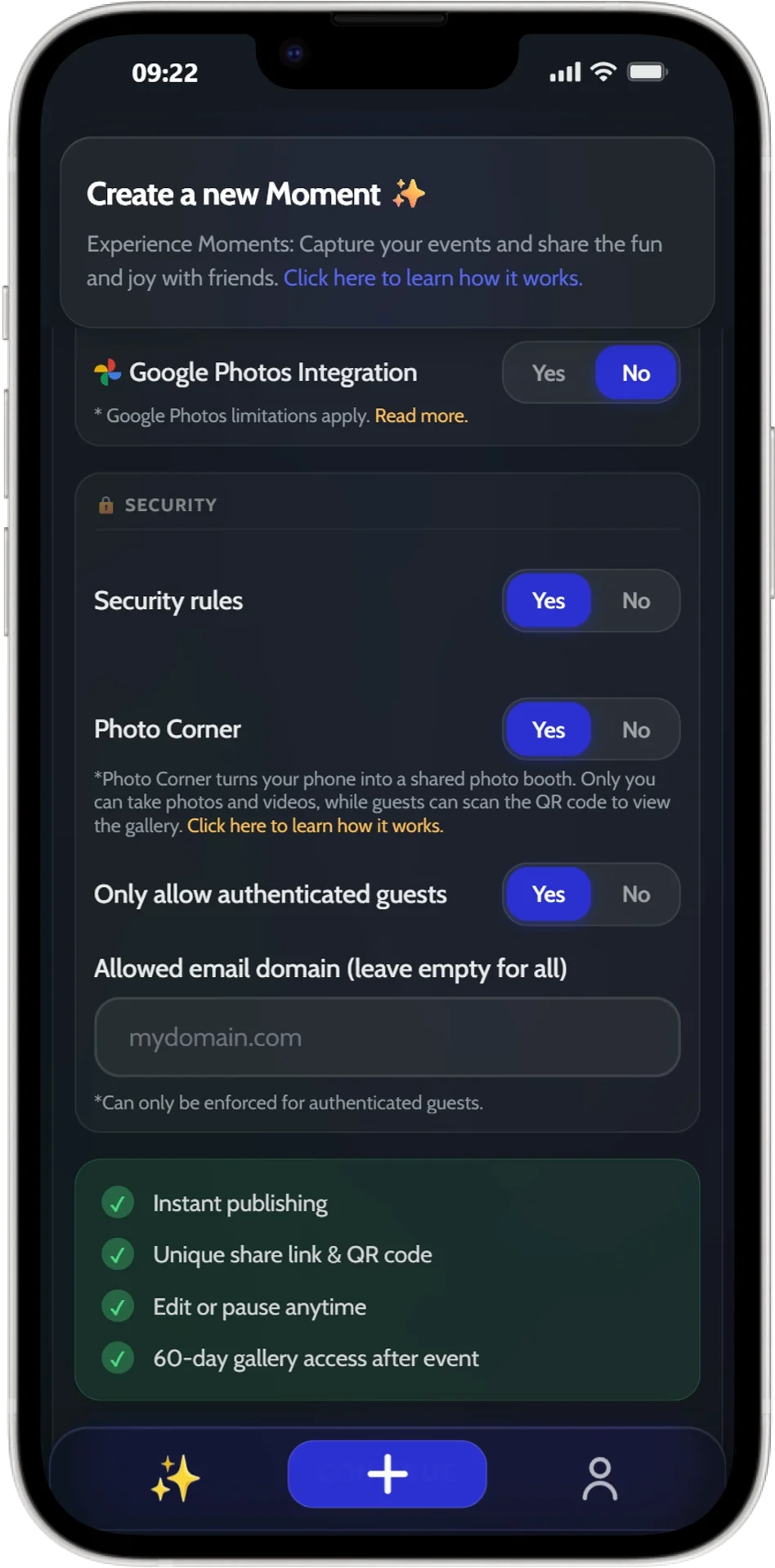
Lock down access with powerful security rules. Require guests to sign in with a verified account, restrict access to a specific company email domain, or combine both for airtight control. Private events stay private — guaranteed.
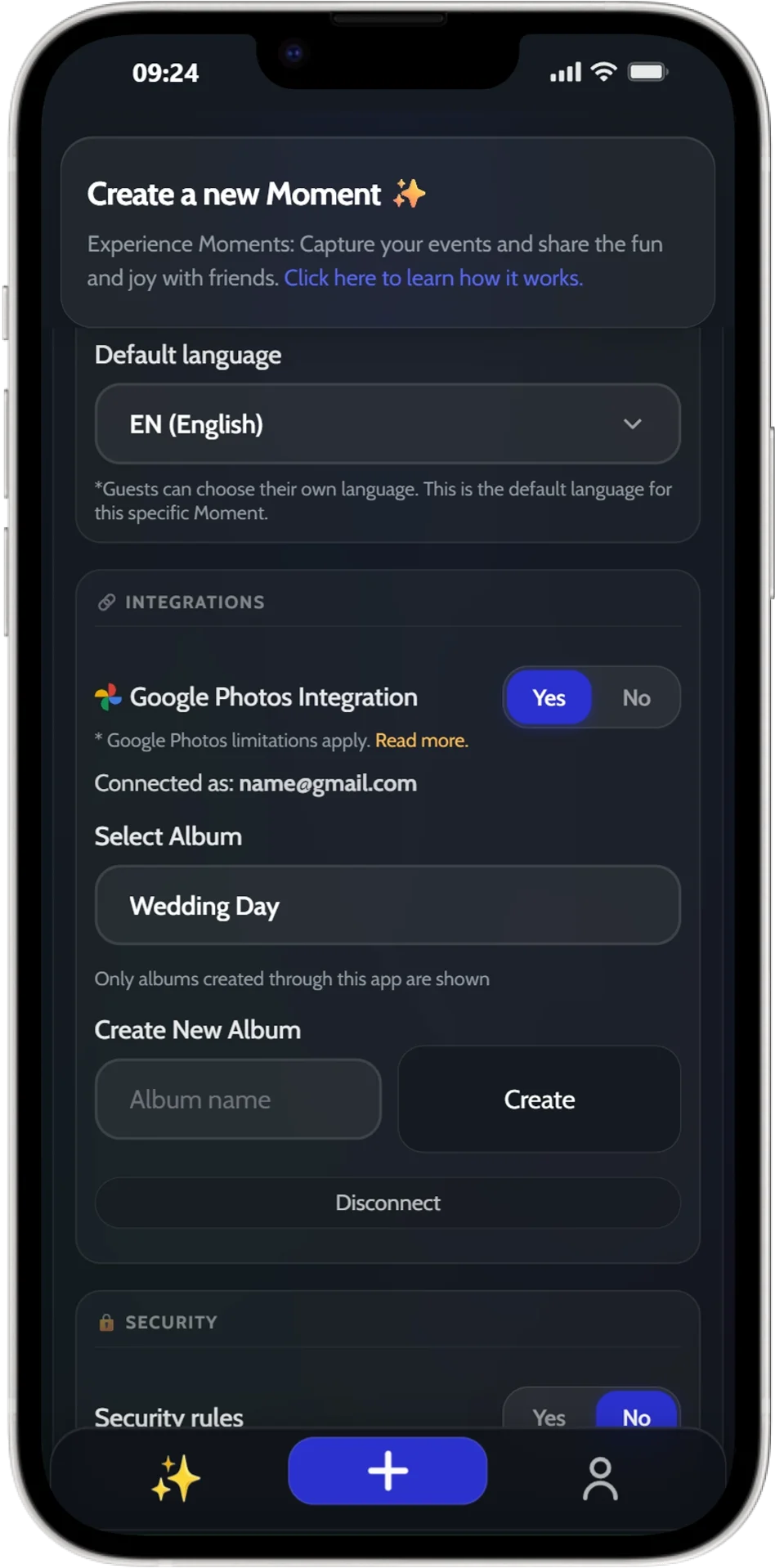
Connect your Google Photos account once and choose an album — every photo uploaded by guests syncs there automatically. No manual exports, no downloading and re-uploading. Your event memories, exactly where you want them.
And so much more
📅
Set precise start and end times. Your Moment opens and closes automatically — no babysitting required.
⏸️
Freeze uploads and gallery access in one tap. Resume when you’re ready. You stay in full control as the host.
🔗
Every Moment gets a unique QR code and share link the instant it’s created. Print it, text it, project it — guests are in.
👁️
Show photos to guests in real time "During" the event, or keep the whole gallery hidden until "After" it ends for a big reveal.
📥
Export every photo and video as a single download. Available for 60 days after your Moment ends — never lose a memory.
🆓
Your first Moment with up to 10 guests costs absolutely nothing. No credit card. Just create, share, and capture.
Ready when you are
Your first Moment — up to 10 guests — is completely free. No credit card. No app. Setup takes less than 2 minutes.
Create Your Moment — It’s FreeNo credit card required · Works on any device

Have a question? Visit our FAQ section. You might find your answer there.
Didn't find what you were looking for? Reach us at contact@joinmymoment.com and we'll respond as soon as possible.



 العربية
 čeština
 Dansk
Dansk Deutsch
 Ελληνικά
 Español
 Eesti
Eesti Suomi
Suomi Français
 हिन्दी
 Hrvatski
 Magyar
 Italiano
 日本語
日本語 한국어
한국어 Lietuvių
 Nederlands
 Norsk
Norsk Polski
 Português (Portugal)
 Português (Brasil)
 Română
 Slovenčina
 Slovenščina
 Svenska
 中文
中文